Buyer's Guide: What to Look for in a USB-C Hub
Ports
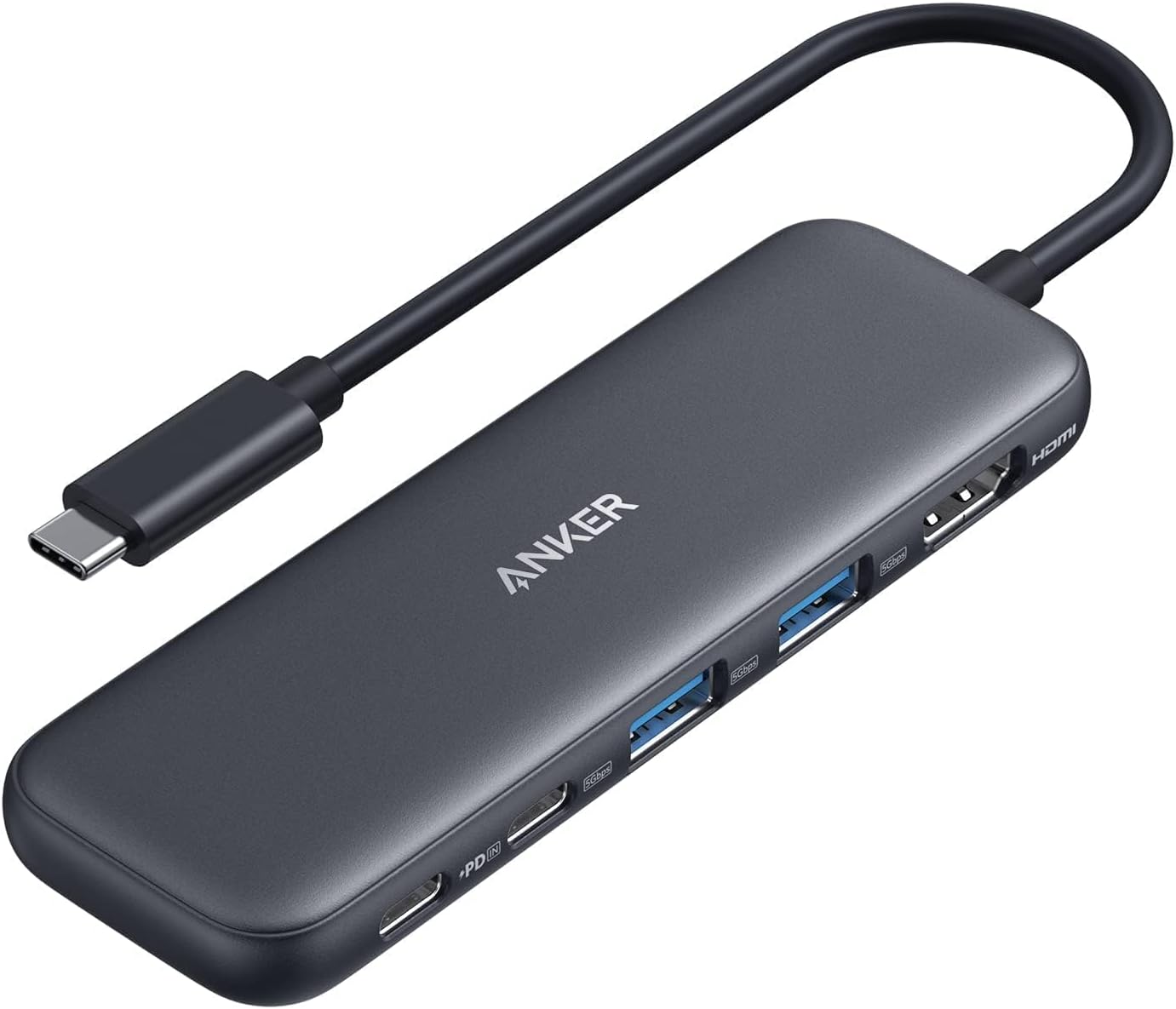
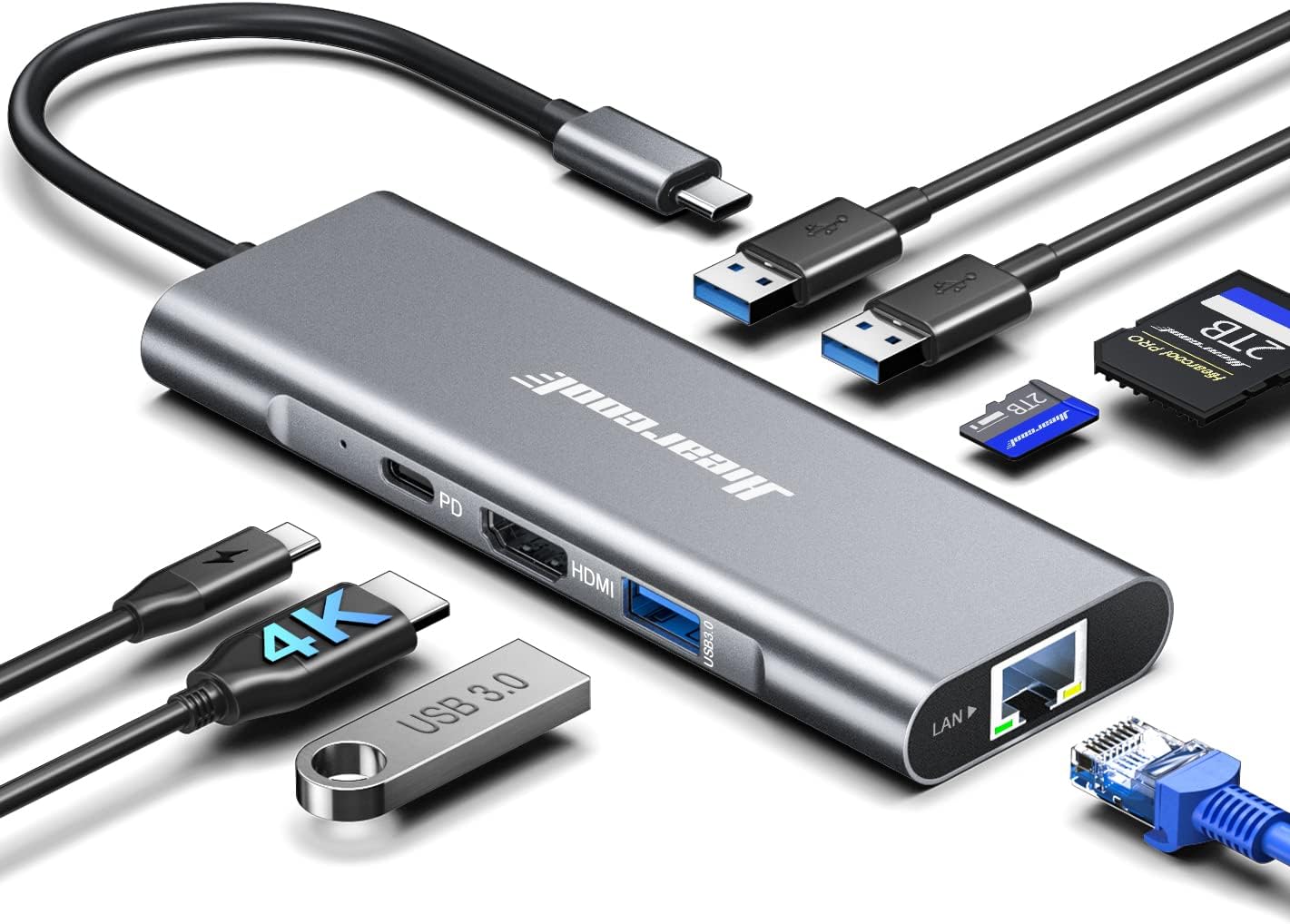
Consider what ports you need. Common options include HDMI for external displays, USB-A for legacy
devices, SD/microSD card readers for photography, and Ethernet for wired internet.
Power Delivery (PD)
If you want to charge your laptop through the hub, look for one with Power Delivery (PD). 100W PD is
ideal for most laptops.
HDMI Resolution
Most hubs support 4K resolution, but check the refresh rate. 4K@30Hz is common, but 4K@60Hz provides
a smoother experience for gaming and video editing.
Build Quality
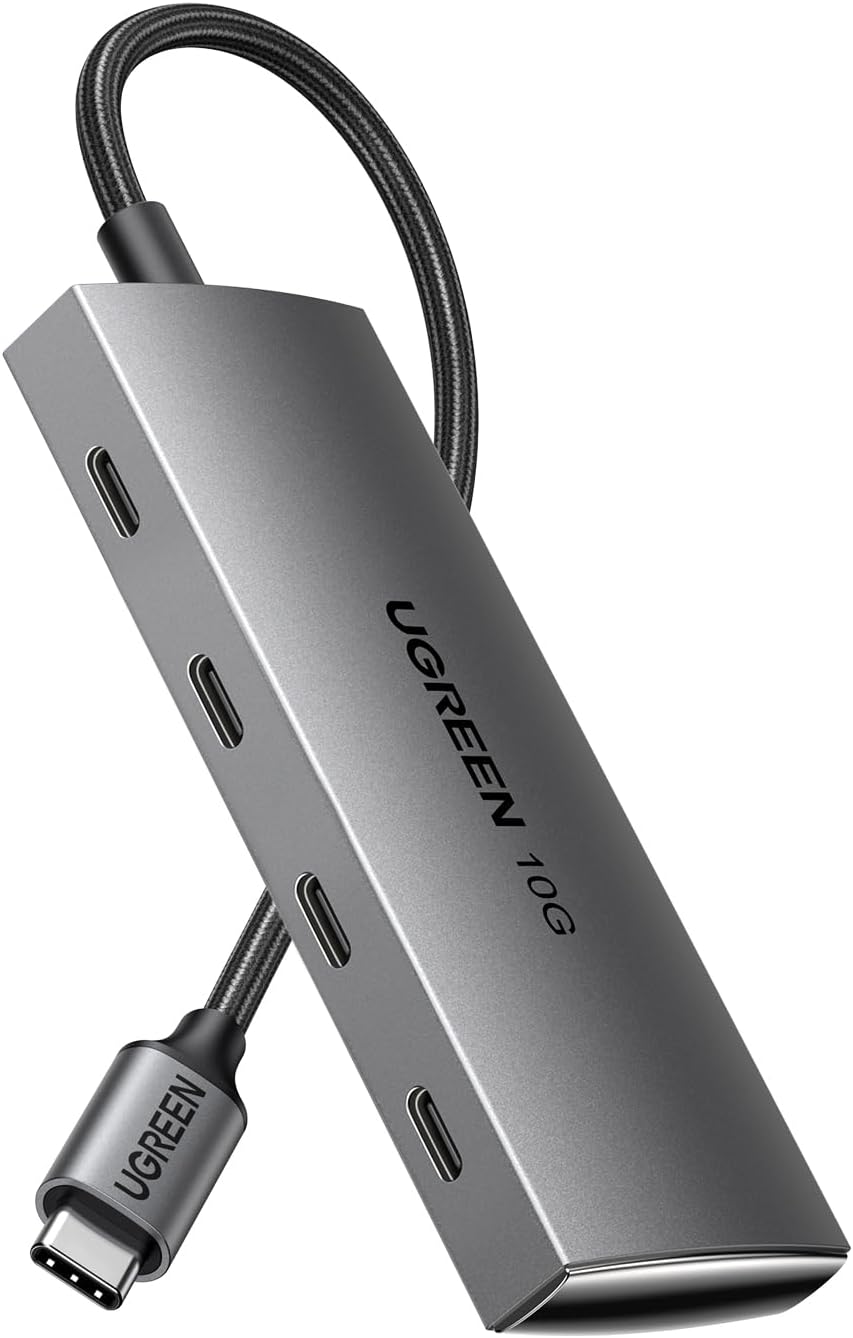
Aluminum hubs are more durable and help dissipate heat better than plastic ones. A braided cable can
also improve durability.
Portability
If you plan to travel with your hub, look for a compact and lightweight design that's easy to pack.
Frequently Asked Questions
Do I need to install drivers?
Most USB-C hubs are plug-and-play and don't require any special drivers.
Just plug them in and they should work automatically.
Can I use all the ports at the same time?
Yes, you can typically use all the ports on a USB-C hub simultaneously.
However, the total power and bandwidth are shared among the ports, which may affect performance
if you're using many high-demand devices.
Will these hubs work with my device?
These hubs are designed to work with most laptops, tablets, and smartphones
that have a USB-C port that supports DisplayPort Alt Mode and Power Delivery. Check your
device's specifications to ensure compatibility.
Why does my hub get warm?
It's normal for USB-C hubs to get warm during use, especially when multiple
ports are active or when using Power Delivery. This is because they're converting and managing
power and data for multiple devices.